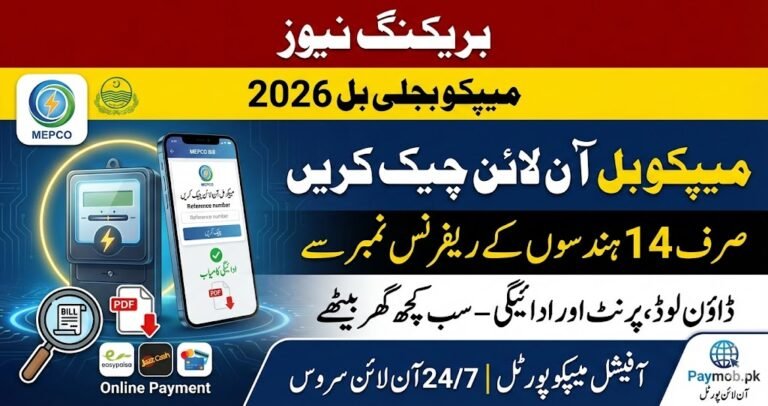
How to Check Mepco Bill Online Complete Guide

The Multan Electric Power Company (MEPCO) provides electricity to South Punjab, including Multan, Bahawalnagar, Rahim Yar Khan, and surrounding areas. Customers can easily check their February 2026 electricity bill online using either their 14-digit reference number or 10-digit customer ID. This service is free and allows users to view the bill amount, due date, and full bill details. You can also download or print your MEPCO WAPDA bill for payment.

How to Check Your MEPCO Bill Online
Checking your MEPCO bill online is simple and quick. Follow these steps:
- Visit the official MEPCO website or use the third-party site mepcobill.pk.
- Enter your 14-digit reference number or 10-digit customer ID.
- View the latest bill amount with due date.
- Click ‘View Full Bill’ to see meter readings, bill issue date, and any additional charges.
- Download or print a copy for your records.

Areas Covered by MEPCO
MEPCO supplies electricity and handles maintenance in several South Punjab regions:
| City | City |
|---|---|
| Multan | Bahawalnagar |
| Pakpattan | Rahim Yar Khan |
| Khanewal | Sahiwal |
| Dera Ghazi Khan | Rajanpur |
| Bhawalpur | Lodhran |
| Layyah | Vehari |
| Muzaffargarh | – |
Residents of these cities can check their MEPCO duplicate bill online using the reference number or customer ID.

MEPCO Bill Components and Taxes
MEPCO bills include multiple charges that affect the total amount:
- FPA (Fuel Price Adjustment): Adjusts cost based on fuel price fluctuations for electricity generation.
- TR Surcharge (Tariff Rationalization): Covers differences between NEPRA/GOP tariffs.
- FC Surcharge (Financing Cost): 43 paisa/unit to support debt servicing.
- Deferred Amount: Optional amount that can be paid later without penalties.
- QTR Tariff Adj / DMC: Quarterly adjustment applied every three months.
MEPCO Bill Services and Features
MEPCO offers convenient services to make electricity management easier:
- SMS Service: Type
pitc <space> 14-digit reference numberand send to 8334 to get your bill via SMS. - Bill Payment: Bills can be paid online, at banks, or via mobile apps.
- New Connection / Transfer: Visit the nearest MEPCO office for name changes or new connections.
- Bill History: View payment records for the last 12 months to track paid and unpaid bills.
Tips to Reduce Electricity Bills
You can save money and reduce electricity consumption with small lifestyle changes:
- Avoid heavy electricity use during peak hours:
- December to February: 5 pm–9 pm
- March to May: 6 pm–10 pm
- June to August: 7 pm–11 pm
- September to November: 6 pm–10 pm
- Turn off unused lights and appliances.
- Use energy-efficient devices where possible.
- Regularly check meter readings to avoid errors in billing.
Conclusion
MEPCO makes it easy for customers to check, download, and pay their electricity bills online. By understanding your bill components and using tips to save electricity, you can manage expenses effectively. Always use official platforms to confirm your bill and payment status.
FAQs
Q1: How can I check my MEPCO bill online?
A1: Use your 14-digit reference number or 10-digit customer ID on the MEPCO official website or mepcobill.pk.
Q2: Can I get my MEPCO bill via SMS?
A2: Yes, type pitc <space> 14-digit reference number and send it to 8334 to receive your bill.
Q3: What is FPA in the MEPCO bill?
A3: FPA stands for Fuel Price Adjustment, which adjusts charges based on fluctuations in fuel costs for electricity generation.
Q4: How can I reduce my MEPCO electricity bill?
A4: Avoid peak-hour usage, turn off unused appliances, use energy-efficient devices, and monitor your meter readings regularly.
Latest Updates
 Bigger News: BISP 8171 CNIC Check Online 2026 – Eligibility, Payment Status & How to Check
 Good News: How to Apply for Green Tractor Scheme Phase 3? New Registration Portal 2026
 Punjab Schools Winter Vacations Update 2026 – Exact Dates & Reopening Schedule
 Gold Rate Today – Latest Gold Prices on 11 February 2026
 CM Punjab Bike Scheme 2026 Phase 2 Online Registration and Monthly Installment Plan
 NADRA Smart ID Card 2026 – New Fees and Fast-Track Delivery